How to convert SVG data to a Png Image file Using InkScape
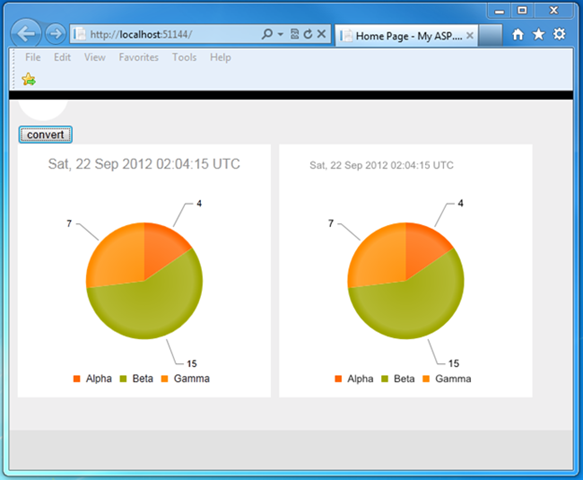
Introduction The project required the need to put the visual pie chart on a web page on the client and in a Pdf file created on the server. I eventually choose to use a Telerik Kendo DataViz Chart control on the client, and use a PNG file on the server for the Pdf file. This blog post will explain the process and code to convert the client-side pie chart Svg data to a Png file, and provide a download to the working code. Prerequisites You need to have a trial version of the Telerik Kendo library installed in order to make the sample code work. You also need InkScape installed. InkScape is the application that does the actual conversion. You will need to change the Web.config appSetting of “ExeDirectoryForInkscape” to represent your own installation location. Any SVG Data Will Work The pie chart was created using the Telerik Kendo DataViz chart control. While I name a specific control, as long as you have access to the SVG data, the same conversion process on the server will...